AuroraPlay / For users
Your player.
Your player.
Your playlist.
If you bought AuroraPlay for yourself, you're in full control. Connect your own legal M3U or Xtream list, check your time left, and renew whenever you like — independent of any provider.
No account required
Your device is your login.
Open AuroraPlay on your TV and a Device Code and PIN appear on screen. That pair is your identity — nothing to remember, nothing to leak.
Device code482 691
PIN••••
Why it's different
A license that follows you.
Simple loginYour Device Code + PIN from the app is your login. Email accounts are coming soon.
See time leftCheck your trial / paid expiry and last upload at a glance from your device profile.
No lock-inWith your own yearly license, your device follows you — switch providers whenever you want.
Your source onlyYou connect a playlist you own. AuroraPlay never provides channels or media.
Get started
Install. Activate. Connect. Watch.
01InstallOpen AuroraPlay on your Smart TV or phone once a build is available for it.
02ActivateEnter the Device Code and PIN shown on screen — no account required.
03ConnectPaste your own M3U link or Xtream login. Credentials are never exposed in the page source or URLs.
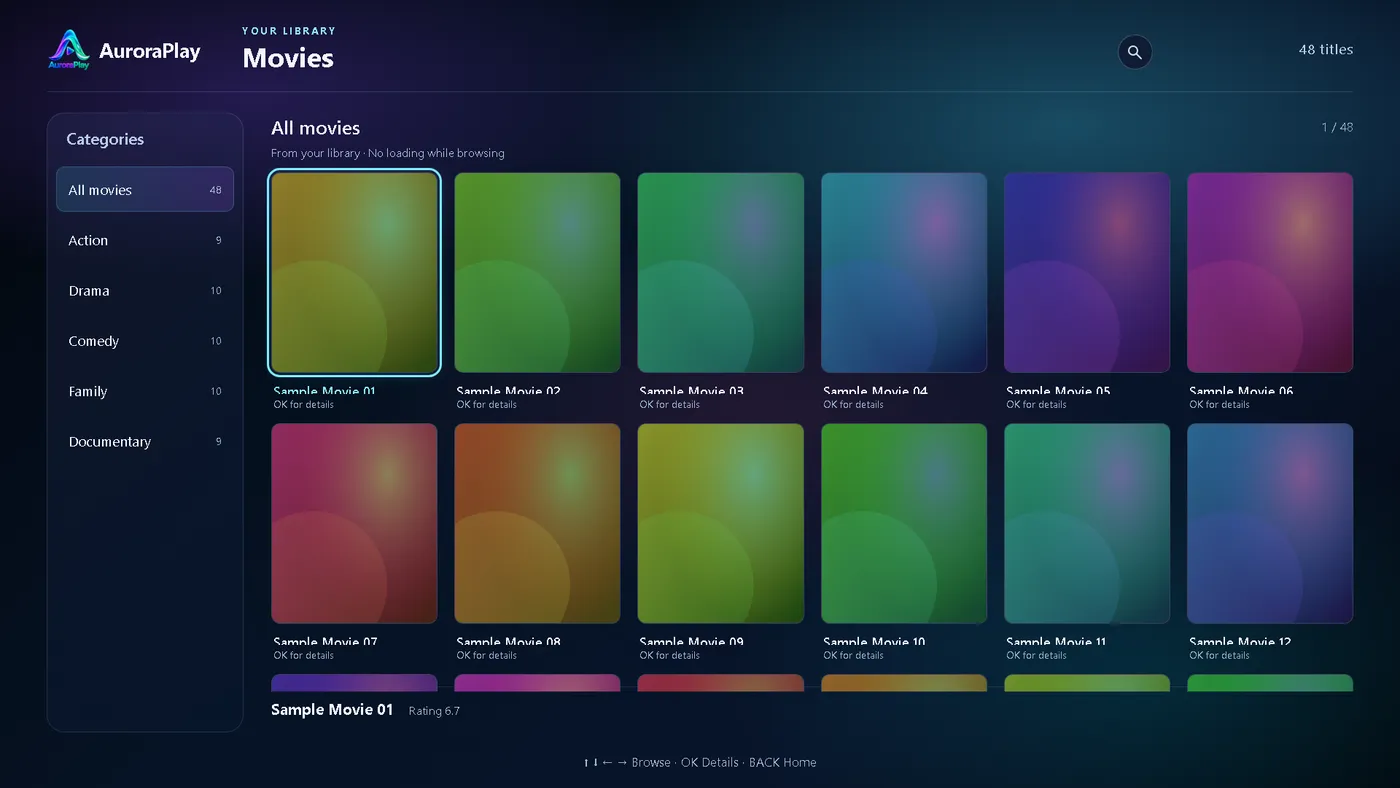
04WatchPress reload and your own library appears, ready on the big screen.
Keep your €7.99 / year licence active to stay independent of any provider.